Table of Contents (9 sections)
What Are Smart Home Devices?
Smart home devices are electronic devices that connect to a common network and can be controlled remotely via smartphones, tablets, or computers. They can automate daily tasks, enhance security, and improve energy efficiency. Examples include smart thermostats, smart locks, smart lighting, and smart appliances. According to research from Statista, the revenue generated from smart home devices is expected to reach approximately $174 billion by 2025, showcasing the growing demand for home automation.
Integrating these devices into your daily life can streamline numerous tasks. For instance, smart thermostats like those from Nest or Ecobee learn your heating preferences and adjust accordingly, potentially saving up to 10-12% on heating bills, as noted by the U.S. Department of Energy. Moreover, smart home security systems can monitor your home remotely and send alerts to your phone, providing peace of mind.
Step-by-Step Guide to Integrating Smart Home Devices
Integrating smart home devices can seem overwhelming, but it's a straightforward process when broken down into manageable steps:
- Identify Your Needs: Determine which tasks you struggle with the most and explore smart devices that could automate those processes.
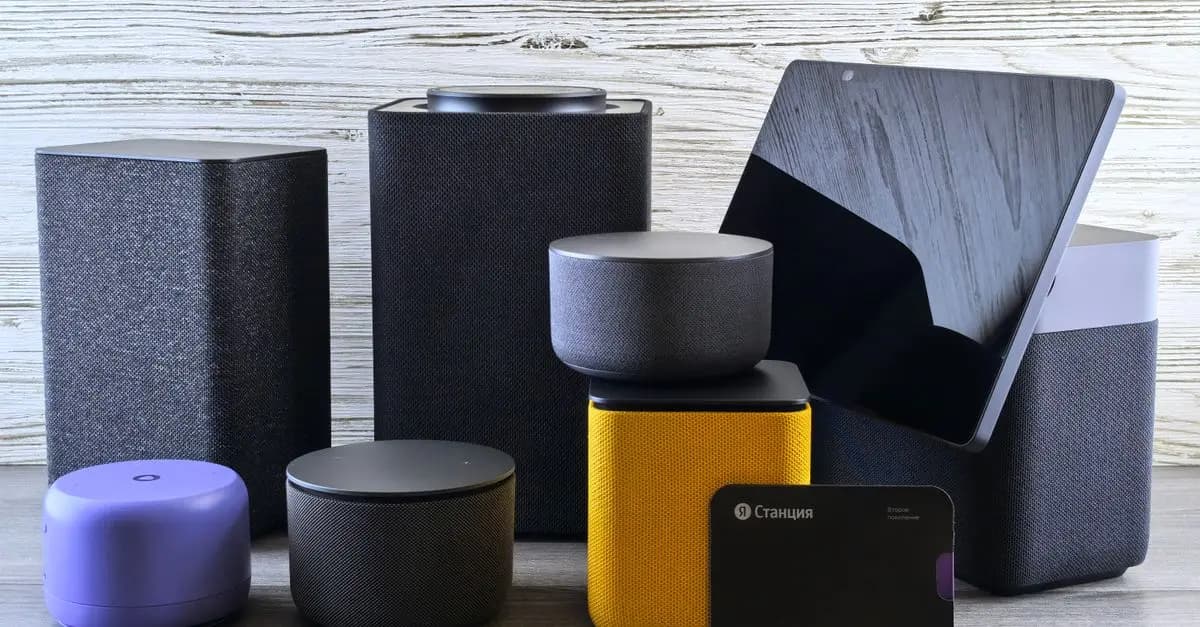
- Choose a Hub: Many devices require a central hub to function efficiently. Popular options include Amazon Echo, Google Nest, or dedicated hubs from manufacturers like Samsung SmartThings.
- Select Compatible Devices: Ensure the devices you choose work with your hub. Look for products that offer integration with multiple platforms, such as Z-Wave or Zigbee protocols.
- Install and Configure: Follow the manufacturer's instructions for installation. Most devices come with user-friendly setups through mobile applications.
- Customize Settings: Once installed, customize the settings to suit your preferences. For example, adjust the schedules for smart light bulbs based on your daily routines.
- Maintain and Update: Regularly check for software updates to improve security and functionality.
By following these steps, you can create a smart home environment tailored to your lifestyle, making everyday tasks more efficient.
Comparative Analysis of Popular Smart Home Devices
| Device Type | Example Brands | Key Features | Price Range |
|---|---|---|---|
| Smart Thermostat | Nest, Ecobee | Energy savings, learning modes | $120 - $250 |
| Smart Security Camera | Ring, Arlo | Two-way audio, motion detection | $100 - $300 |
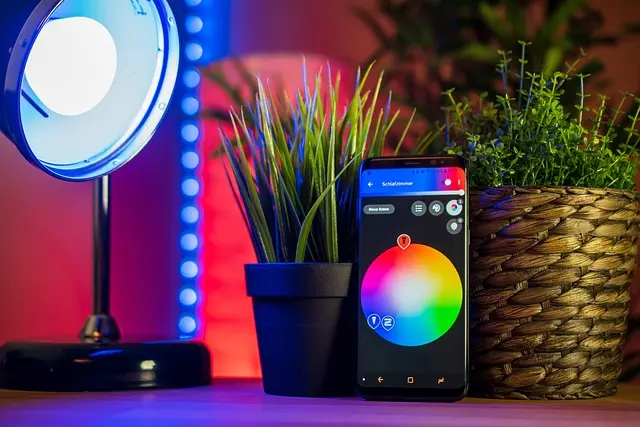
| Smart Lighting | Philips Hue, LIFX | Customizable colors, remote control | $15 - $70 per bulb |
| Smart Lock | August, Schlage | Keyless entry, remote control | $100 - $250 |
This table compares four types of smart home devices, highlighting key features and indicating typical price ranges. As a prospective buyer, understanding these aspects allows you to make informed decisions based on your budget and needs.
Data Insights: The Impact of Smart Home Devices
A significant number of households have adopted smart home technologies. According to a survey conducted by Consumer Technology Association in 2026, approximately 43% of U.S. households own at least one smart home device. Adoption rates are increasing, particularly among millennials, who are often more tech-savvy than older generations.
Furthermore, studies reveal that homes equipped with smart devices report higher satisfaction levels. Deloitte found that families using smart home technologies save an average of 20 hours per month by automating routine tasks, empowering them to focus on more meaningful activities.
Despite the numerous benefits, challenges remain regarding data privacy and security. Recognizing and addressing these concerns is vital for future adoption, making it imperative for manufacturers to ensure robust security measures.
FAQs
Q: What are the benefits of using smart home devices?
A: Smart home devices provide convenience, energy savings, enhanced security, and improved home management.
Q: Are smart home devices user-friendly?
A: Most smart devices come with intuitive mobile applications that simplify setup and daily use.
Q: Do smart home devices require an internet connection?
A: Yes, most smart home devices rely on a stable internet connection for functionality.
Q: How secure are smart home devices?
A: While smart devices can be vulnerable to hacking, many manufacturers implement strong security protocols to protect user data.
📺 Resource Video
> 📺 For further insights: Exploring the Best Smart Home Devices of 2026, a detailed overview of choices on the market. Search YouTube for: "best smart home devices 2026."
Checklist before purchase
- [ ] Identify your specific needs in home automation.
- [ ] Research compatibility between devices and hubs.
- [ ] Compare features and prices of similar devices.
- [ ] Read user reviews and expert opinions.
- [ ] Check warranty and support from the manufacturer.
Glossary
| Term | Definition |
|---|---|
| Smart Home Hub | A central device that connects and controls various smart devices. |
| Z-Wave | A wireless communication protocol for smart home devices. |
| IoT (Internet of Things) | A network of interconnected devices that collect and exchange data. |
> 🧠 Quick Quiz: What is one key benefit of smart home devices?
> - A) They reduce electricity bills
> - B) They are all voice-activated
> - C) They require extensive wiring
> Answer: A — Smart home devices can significantly reduce energy costs.
📺 Pour aller plus loin : best smart home devices 2026 sur YouTube