Table of Contents (15 sections)
Enhancing the security of your smart home is crucial to provide peace of mind and protect your assets. In 2026, smart home security tips have evolved to address new threats and maximize the functionality of cutting-edge technology.
1. Secure Your Network
The backbone of any smart home resides in its network. Network security is paramount. Ensure your Wi-Fi is secured with a strong password and the highest encryption available, such as WPA3. We recommend setting up a separate guest network for visitors to minimize unauthorized device access. Enable automatic software updates on your router to protect against vulnerabilities. Experts from Norton recommend two-factor authentication for added security.
2. Device Password Management
Each smart device should have unique, complex passwords, avoiding default credentials at all costs. Use password management tools to keep track of multiple passwords. According to UFC-Que Choisir, many users face breaches due to weak passwords. Additionally, activate biometric authentication where available for an added layer of security.


3. Update Device Firmware
Keeping every device updated is vital. New security patches are regularly released to combat threats. As per Les Numériques, outdated firmware is a common security gap exploited by hackers. Schedule routine checks in your calendar to ensure all your devices are up to date, safeguarding your home from potential risks.
4. Install a Robust Home Security System
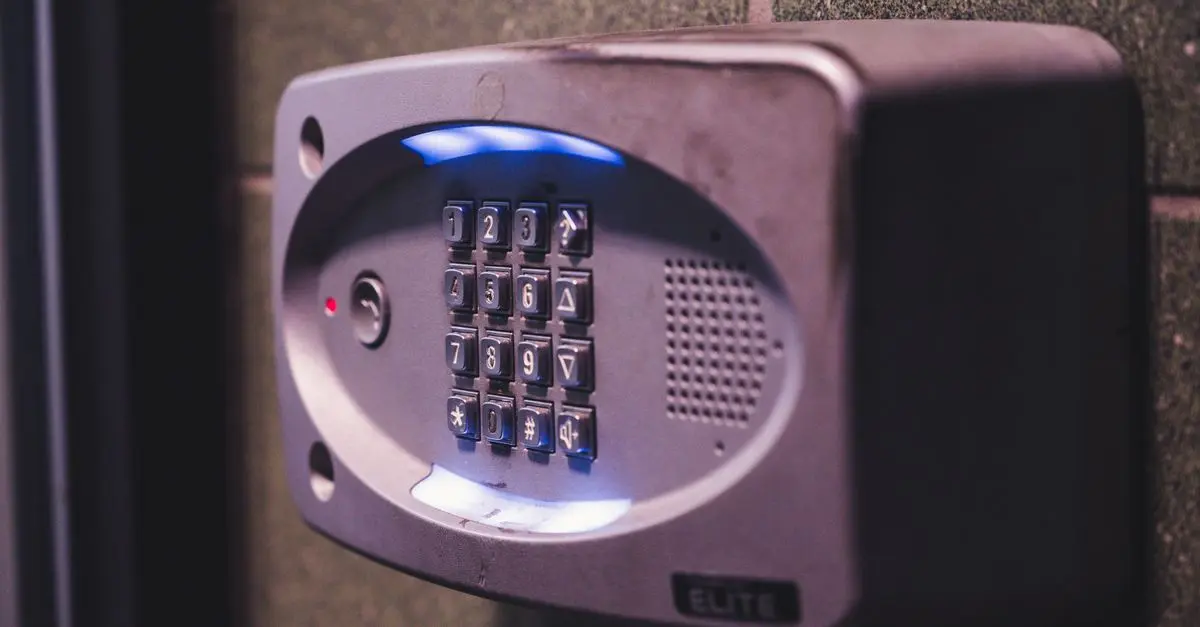
Invest in a comprehensive home security system, incorporating cameras, motion detectors, and smart locks. Systems from companies like Ring and Nest offer real-time monitoring and remote access through mobile apps. According to 60 Millions de Consommateurs, smart locks are especially effective as they can deter break-ins and provide audit trails.
5. Enable Two-Factor Authentication (2FA)
2FA adds an extra step in securing your devices by verifying your identity through an additional layer beyond the password. Many smart devices and systems support 2FA, which greatly enhances security as stated by cyber security professionals.
6. Monitor Devices Regularly
Regular surveillance of your smart home network and devices is critical. Utilize security apps that provide alerts for unusual activity. Adequate monitoring helps catch any security breach early, as emphasized by experts.


7. Optimize Data Privacy Settings
Data privacy should not be overlooked. Customize the privacy settings on each smart device to limit data sharing. Organizations like Data Privacy Advisors suggest keeping data storage to a minimum and regularly verifying privacy settings.
8. Back-Up Important Data
Regularly back up data from your smart home devices to protect against data loss or ransomware threats. Cloud services or external hard drives are viable options for secure storage.
Comparatif Des Options de Sécurité
| Critère | Option A (Company A) | Option B (Company B) | Option C (Company C) | Verdict |
|---|---|---|---|---|
| Encryption | WPA3 | WPA2 | WPA2 | A |
| Device Support | Moderate | High | Moderate | B |
| Cost | High | Moderate | Low | B |
| User-Friendliness | High | Moderate | Low | A |
📺 Pour aller plus loin : Top 10 Smart Home Security Devices for 2026, providing a detailed review. Recherchez sur YouTube : "2026 smart home security devices review."
🧠 Quiz rapide
🧠 Quiz rapide : How often should you update your smart home devices?
- A) Once a year
- B) Monthly
- C) Daily
Réponse : B — Regular monthly updates help maintain the defense against new vulnerabilities.
- What is the most important tip for smart home security?
Ensure your network is secure and regularly updated.
- How can I protect my smart devices from hacking?
Use strong passwords, enable two-factor authentication, and regularly update firmware.
- Should I change the default settings on my smart devices?
Yes, always customize to enhance security and privacy.
- How effective are smart security systems compared to traditional alarms?
Smart systems provide real-time monitoring and enhanced features like remote access, making them more versatile than traditional alarms.
Checklist Before Implementing Smart Home Security
- [ ] Secure network with strong encryption
- [ ] Use unique passwords for each device
- [ ] Regularly update device firmware
- [ ] Invest in a smart home security system
- [ ] Enable Two-Factor Authentication
- [ ] Monitor devices and network
- [ ] Ensure data privacy settings are optimized
- [ ] Back-up important data regularly
Glossaire
| Terme | Définition |
|---|---|
| Firmware | Software that provides control, monitoring, and data manipulation of products. |
| Two-Factor Authentication | An added security layer where access requires two steps of verification. |
| Smart Locks | Advanced locking mechanisms that allow remote and keyless entry. |
Recommended products
Selected by our experts