Table of Contents (19 sections)
Smart home automation refers to the integration of technology and smart devices within a home, enabling remote or automated management of various functions. This technology enhances convenience, efficiency, and control, transforming ordinary spaces into intelligent environments. The emergence of smart home automation has revolutionized how we interact with our living spaces, allowing for increased comfort, energy savings, and security.
What is Smart Home Automation?
At its core, smart home automation involves the use of interconnected devices and systems that communicate with each other through a central hub or internet connection. This technology encompasses lighting, heating, security systems, appliances, and entertainment systems.
The concept can be traced back to simple remote-controlled devices, but with advancements in IoT (Internet of Things), today’s smart homes are more sophisticated and user-friendly. According to a report by Statista, the global smart home market is expected to reach USD 174 billion by 2026, signifying robust growth in consumer interest and investment.
Step-by-Step Guide to Setting Up Smart Home Automation
To successfully implement smart home automation, consider the following steps:
1. Assess Your Needs and Goals
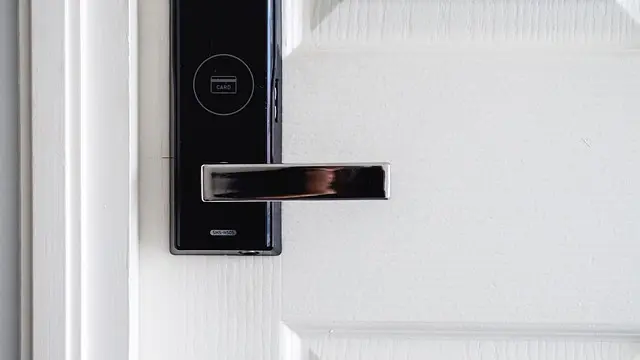
Before diving into setups, evaluate what you want to achieve with automation. Common goals include energy savings, enhanced security, or improved convenience. For instance, if security is a priority, integrating smart locks and cameras may be your first step.
2. Choose a Central Hub or Platform
Selecting a suitable central hub such as Amazon Alexa, Google Home, or Apple HomeKit is crucial. These platforms streamline management, allowing various devices to communicate uniformly.
3. Select Compatible Devices
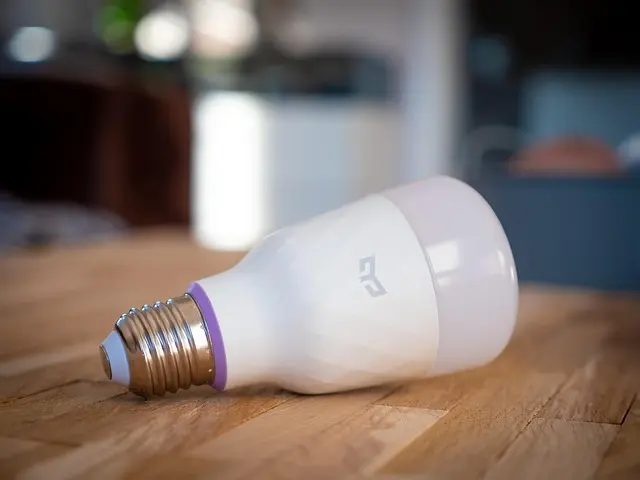
Ensure that the devices you choose are compatible with your hub. Common options include smart bulbs, connectivity sensors, thermostats, and security cameras. For instance, consider adding smart entry sensors to receive alerts about potential security breaches.
4. Installation and Configuration
Follow the manufacturer’s instructions for installation. Most devices come with user-friendly apps to guide you through setup and configuration.
5. Automate and Optimize
Once installed, explore automation features. Create routines and schedules that fit your lifestyle; for example, set heating to a lower temperature when you leave home and bring it back up an hour before returning.


Comparative Analysis of Popular Smart Home Devices
To assist you in selecting devices for your smart home, the following table outlines a comparative analysis of common options in terms of functionality, compatibility, and costs.
| Device Type | Option A | Option B | Option C | Verdict |
|---|---|---|---|---|
| Smart Thermostat | EcoBee | Nest | Honeywell | EcoBee offers advanced features like remote sensors. |
| Smart Security Cam | Ring | Arlo | eufy Indoor Cam E30 | eufy Indoor Cam E30 is excellent for indoor monitoring at a budget-friendly price. |
| Smart Hub | Google Home | Amazon Echo | Apple HomeKit | Google Home provides broad compatibility with more devices. |
💡 Expert Opinion: Many consumers who implement smart home technologies report increased satisfaction. A recent survey indicated that about 70% felt more secure in their homes after installing smart devices, highlighting the impact of technology on consumer safety perceptions.
📺 Resource Video
Discover in-depth insights and tutorials from experts on smart home automation. For comprehensive guidance, search YouTube for: "how to set up smart home devices 2026".
Frequently Asked Questions (FAQ)
Q1: What devices can I connect in a smart home?
A1: A variety of devices, including lighting, security cameras, thermostats, and even kitchen appliances, can be connected in a smart home setup.
Q2: Are smart home devices secure?
A2: Smart home devices can be secure if updated regularly and configured properly, but consumers should choose reputable brands and follow security best practices.
Q3: How much does it cost to set up smart home automation?
A3: The cost varies widely depending on the number and type of devices chosen, from a few hundred to several thousand dollars.
Q4: Can I control my smart devices remotely?
A4: Yes, most smart home devices can be controlled remotely through associated smartphone apps, allowing for real-time management.
Checklist Before Purchase
- [ ] Identify key areas in your home for automation
- [ ] Research compatible devices with your hub
- [ ] Set a budget for your smart home setup
- [ ] Read reviews from other users to gauge performance
- [ ] Make a plan for installation and configuration


eufy Permanent Outdoor Lights S4 (150ft with 108 LED Lights) +Free eufy Outdoor String Lights E10 White
eufy.com

Glossary
| Term | Definition |
|---|---|
| IoT (Internet of Things) | A network of interconnected devices that communicate and exchange data with each other. |
| Smart Hub | A central unit that connects and controls various smart devices in a home. |
| Smart Device | An electronic device that can be controlled remotely or automates tasks. |
Conclusion
Smart home automation is increasingly becoming an integral part of modern living, blending convenience with technology for better home management. With trends indicating significant growth, investing in smart home devices not only enhances comfort but also increases property value.
In movie about 2026, smart home automation is not just an innovative step but a necessity. Embrace the future and transform your living space into a well-connected smart home. Discover our product recommendations below for your journey into smart home automation!
📺 Pour aller plus loin : how to set up smart home devices 2026 sur YouTube
Recommended products
Selected by our experts


Drop Dash Deals Screen Clip Phone Mount, Universal Smartphone Holder Screen Clip Phone Mount, Universal Smartphone Holder
inspireuplift.com

WHALL - 2 Slice Toaster, Toasters 2 slice, Smart Bread Toaster, Touchscreen Toaster wide slots - Stainless Steel
bestbuy.com